Lane changes
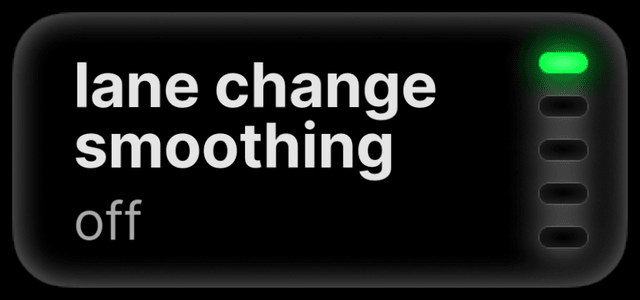
Lane Change Smoothing makes lane changes slower and smoother, at the pace you choose. It works on every car.
lane change smoothing
Turn it on if lane changes feel abrupt. While parked, open Settings → Steering → Lane Change Smoothing and choose a pace: fast, medium, slow or extra slow. Every pace is slower than Off, the default.

road-edge checks
Block Lane Change: Road Edge Detection blocks a lane change toward a road edge the model sees. Off by default. The model can miss or misread an edge, so it cannot guarantee a lane change stays on the road.
blind spots
Cars with blind-spot monitoring pass it to the lane-change system (Mazda blind spots). A clear indicator does not prove the lane is clear; check it yourself.
Other lane-change settings, such as Auto Lane Change by Blinker, are in the settings reference.